
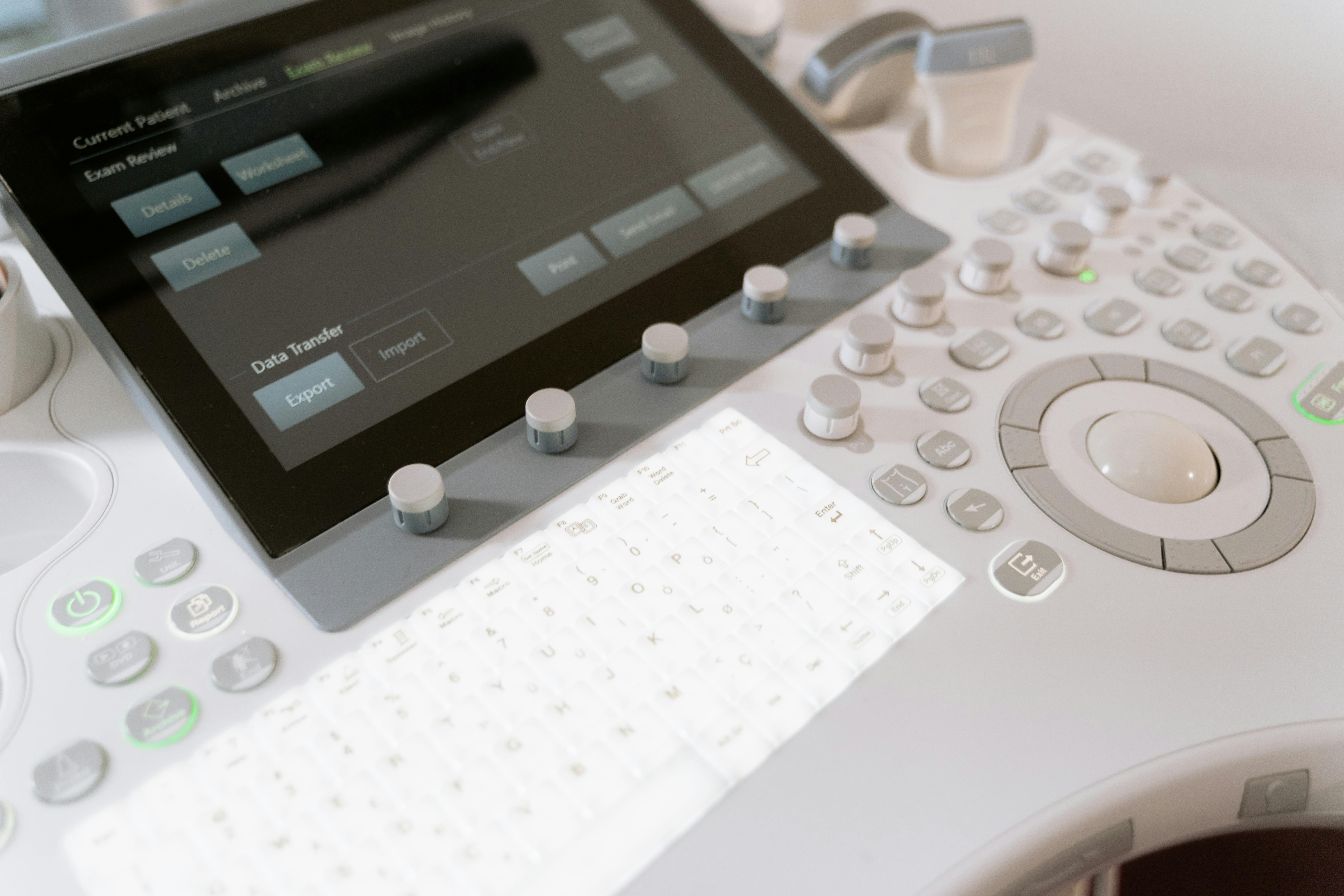
Overview: Why Intermittent Artifacts Are Often Misdiagnosed
Intermittent artifacts are rarely a single catastrophic failure. In practice, they are frequently triggered by unstable connectors, cable strain, power ripple, thermal throttling, or firmware mismatch. If you replace boards or probes based only on image symptoms, you will often create avoidable costs and repeat visits. This guide lays out a field‑ready workflow that prioritizes fast, low‑cost checks first and narrows root causes step‑by‑step.
1) Safety & Preparation (Non‑Negotiable)
- Power down and discharge: high‑voltage capacitors must be fully discharged.
- ESD protection: use grounded straps and mats before touching boards or connectors.
- Log the scenario: record when artifacts appear, system load, probe model, temperature, and operator motion (twist/pull/rotate).
2) Fast Triage Logic (Low Cost → High Cost)
- Power & thermal: confirm stable rails and cooling behavior.
- Connectors & cables: eliminate oxidation, looseness, and micro‑cracks.
- Firmware & logs: verify version consistency and error records.
- Board swap: only after the above steps fail.
3) Five Root‑Cause Categories & First‑Check Actions
A) Power
| Symptom | Likely Cause | First Check |
|---|---|---|
| Artifacts under high load | PSU transient drop / ripple | Measure rail stability under load |
| Random reboot with artifacts | Aging regulator / power module drift | Check ripple and rail stability |
| Artifacts after warm‑up | Thermal derating on PSU | Inspect PSU temperature & airflow |
B) Thermal
| Symptom | Likely Cause | First Check |
|---|---|---|
| Artifacts after long use | Fan degradation / dust‑clogged airflow | Clean airflow & verify fan RPM |
| Thermal warning events | Sensor drift / poor contact | Compare sensor readings to baseline |
| Rapid alarms after boot | False thermal triggers | Verify thresholds & sensor mount |
C) Communication / Interfaces
| Symptom | Likely Cause | First Check |
|---|---|---|
| Artifacts appear/disappear with movement | Oxidized connector / intermittent contact | Clean and reseat connectors |
| Localized channel anomalies | Cable micro‑cracks / loose harness | Swap known‑good cable |
| Occasional self‑test failures | Backplane connection instability | Reseat boards & clean edge contacts |
D) Probe
| Symptom | Likely Cause | First Check |
|---|---|---|
| Artifacts disappear after probe swap | Probe‑level failure | Compare against known‑good probe |
| Fixed‑zone artifacts | Partial crystal array degradation | Run channel‑level comparison |
| Artifacts with cable motion | Probe cable micro‑cracks | Inspect bend points closely |
E) Storage / Firmware
| Symptom | Likely Cause | First Check |
|---|---|---|
| Post‑update instability | Firmware mismatch or incomplete update | Verify component firmware versions |
| Artifacts plus system errors | Module firmware conflict | Re‑flash or roll back firmware |
4) Field Workflow (Step‑by‑Step)
- Power first: measure rail ripple & transient drop.
- Connectors next: clean, reseat, and re‑test.
- Thermals: check fans, sensors, and airflow.
- Logs: confirm firmware and error history.
- Board swap last: only if the above checks are clean.
5) Practical Tips From Service Engineers
- Build a cheat sheet: Artifact → Cause → First Check.
- Use A/B comparison: swap known‑good probes and cables.
- Track recurrence: repeated issues often trace to environment or supply chain.
Conclusion
Intermittent artifacts are one of the easiest failure types to misdiagnose. A disciplined “power → connectors → thermal → firmware → board” workflow dramatically reduces false board swaps, shortens downtime, and improves first‑time fix rates.